

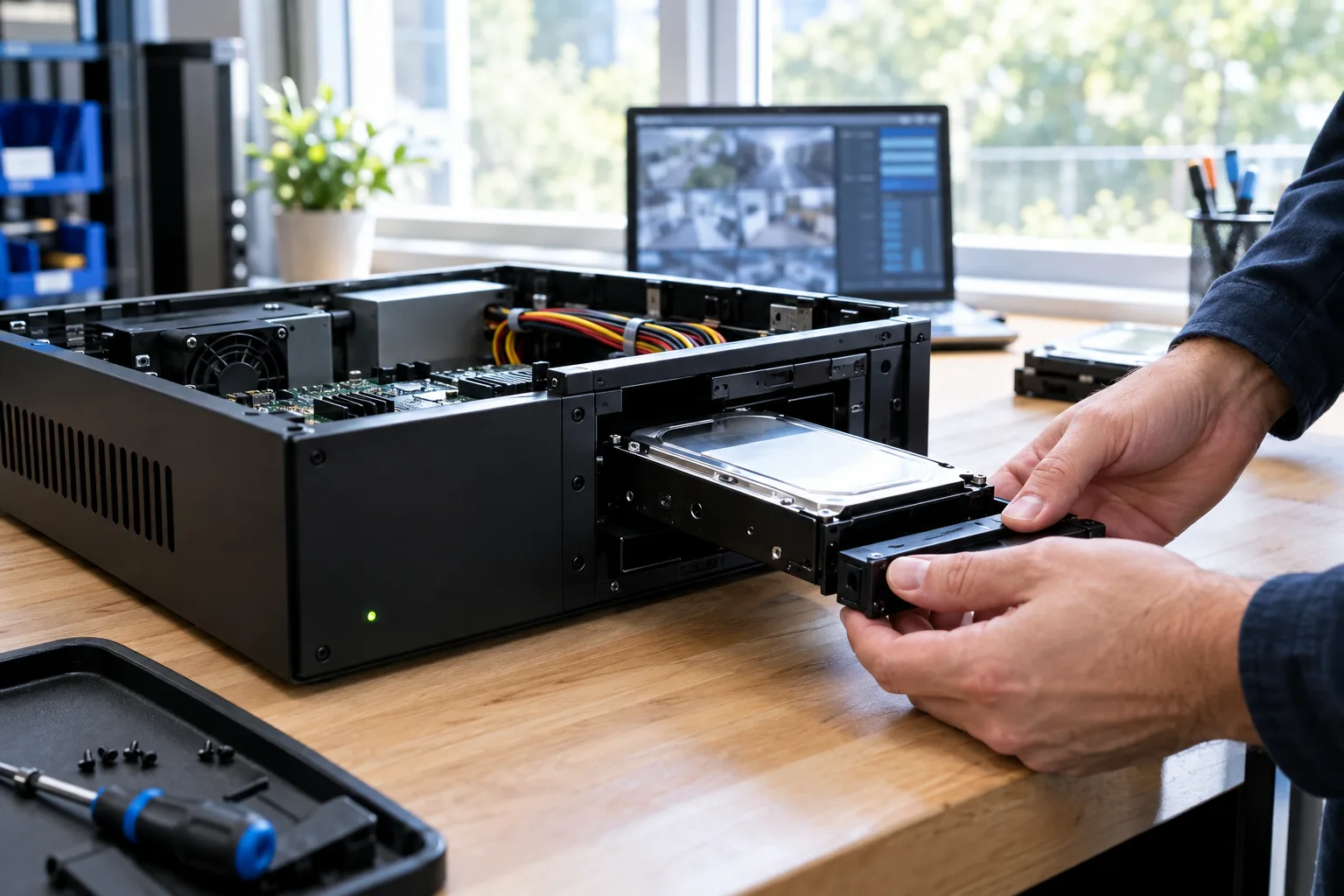
On Sunday morning you notice the garden tools are gone from the side of the house. Someone was in the yard while you were away, and the camera above the gate saw it all. You open the recorder and scroll back to Thursday night. But the timeline starts on Friday. Thursday is gone, written over while you slept. The only picture left of the man at your gate is the one in your head.
What does CCTV recording storage decide?
CCTV recording storage is the space on your recorder's hard drive. It decides how many days of footage your cameras keep. When the drive is full, the recorder writes over the oldest footage first. Drive size, the number of cameras, picture quality and the recording mode set how many days you have.
Key Takeaways
- A CCTV recorder writes over its oldest footage once the drive is full, and it gives no warning.
- Drive size, the number of cameras, picture quality and the recording mode set how many days you keep.
- A good plan is at least 14 days for a home, about 30 days for an estate and 30 to 90 days for a business.
- Recording only when something moves, and using H.265, can stretch the same drive much further.
- To see how many days you have, open playback and scroll back to the oldest day on the timeline.
- Copy any incident footage to a USB stick or the cloud on the same day.
Why footage disappears before you need it
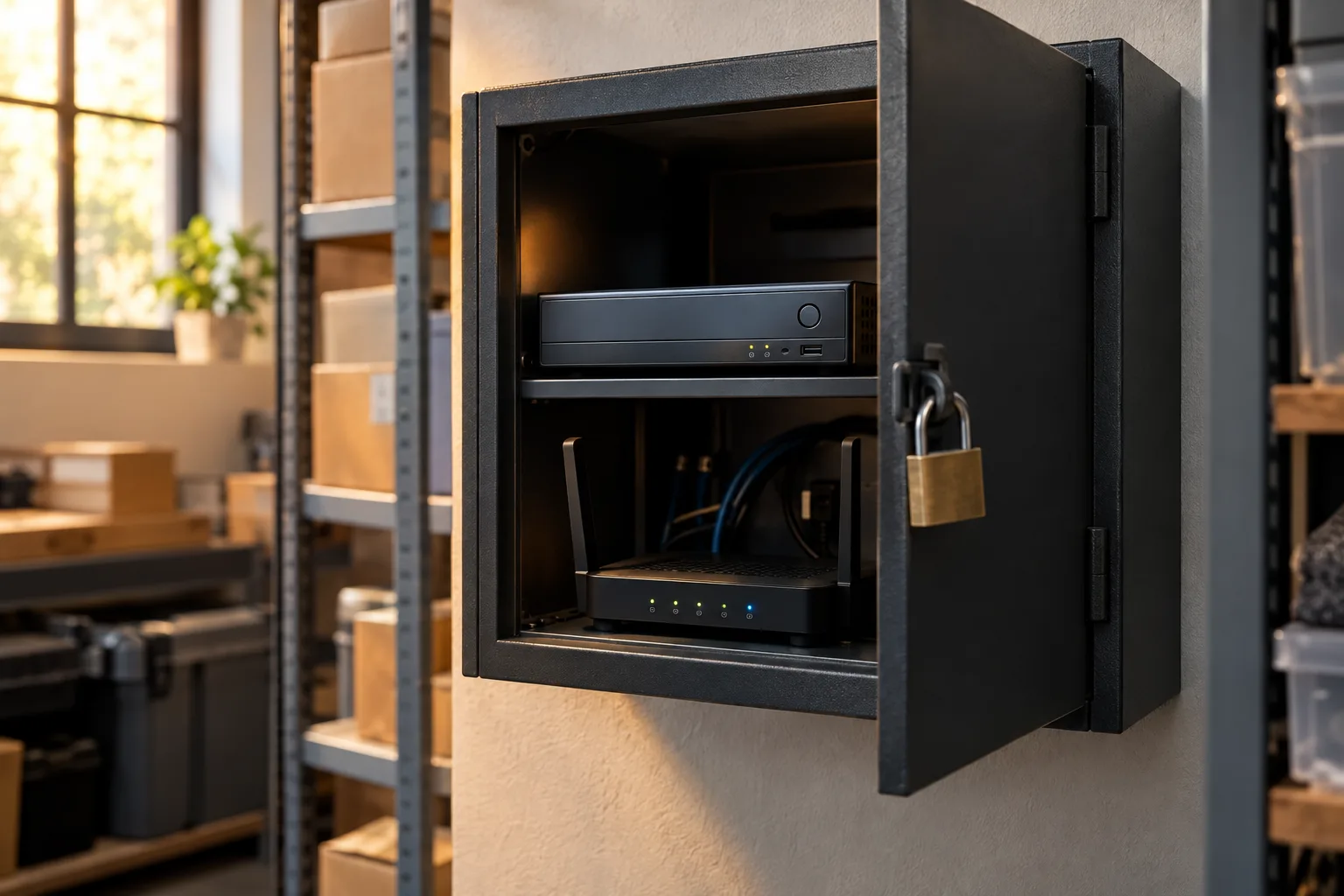
You often learn how many days your recorder keeps on the morning you need a day it no longer has. A recorder works like a conveyor belt. New footage goes onto the hard drive. When the drive is full, the oldest hour is wiped to make room for the next one. This is called loop recording, and almost every CCTV system works this way when it's first set up.
The loop doesn't stop, and it doesn't warn you. No message tells you Tuesday is about to go. It goes.
The trouble is the gap between when something happens and when someone notices. At a home, a missing tool or a scratched car can go unseen for days, or longer if you were away for the weekend. At an estate, a resident may report a damaged boom or a lost parcel two weeks later. At a business, a stock shortfall may only show up at month end. Police figures show house robberies fell by 20.4% from January to March 2026, compared with a year earlier. But they still happen.
Many owners don't check how many days their recorder keeps. With four cameras on a small drive, it can be less than a week. So every day you don't check your CCTV recording storage is a risk. The loop could already be shorter than the time it takes you to notice something's wrong.
What decides how long your CCTV recording storage lasts
Four things set how far your CCTV recording storage stretches. Change one, and the rest shift too.
The first is drive size, measured in terabytes (TB). Many home recorders come with a 1TB or 2TB drive. The second is the number of cameras, because each camera adds its own stream of footage. Eight cameras fill a drive twice as fast as four. So adding cameras later eats into the days you already have. The third is picture quality. A 4MP camera writes roughly twice as much as a 2MP camera, and a 4K camera can write up to four times as much. The fourth is the recording mode, which the next sections cover.
Rough days of footage for 2MP cameras recording all day and night
| Drive size | 4 cameras | 8 cameras | 16 cameras |
|---|---|---|---|
| 1TB | About 12 days | About 6 days | About 3 days |
| 2TB | About 24 days | About 12 days | About 6 days |
| 4TB | About 48 days | About 24 days | About 12 days |
| 8TB | About 96 days | About 48 days | About 24 days |
These are rough figures for 2MP cameras that record all day and night with H.265. Your own may be shorter. Busy scenes, night footage and sharper cameras all use more space.
The table also shows why a system with enough days at first can fall short a year later. Add four cameras to the same drive and you halve your days. No one tells you the window has closed.
How many days homes, estates and businesses should keep
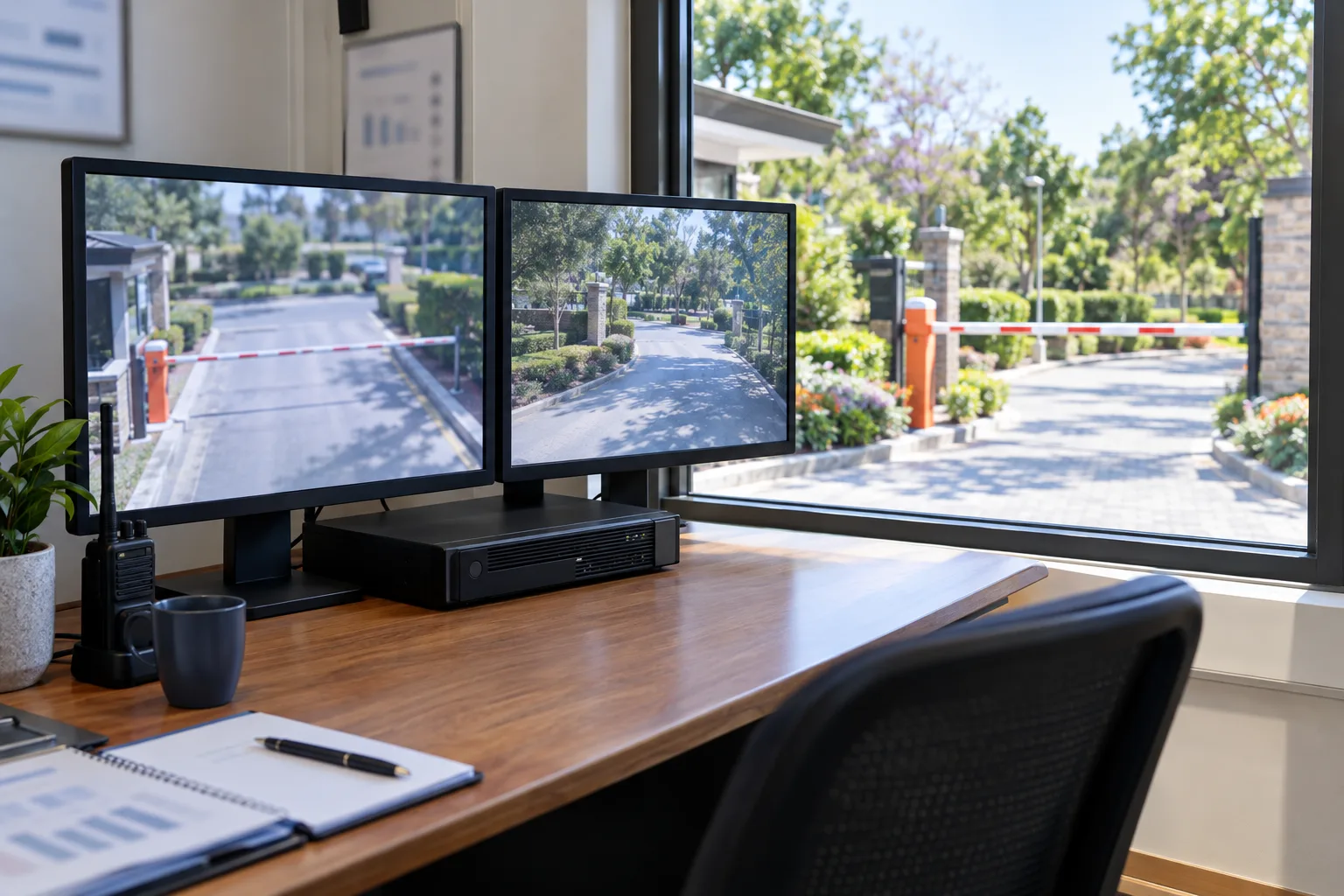
The right number depends on your property and on how long a problem takes to come to light. These figures are a good plan for your CCTV recording storage, not a law.
For a home, plan for at least 14 days. Most problems at home come to light within a week. But a holiday or a long weekend away can stretch it past ten days. If your footage only starts after you got back, you have nothing to show.
For an estate or a body corporate, plan for about 30 days at the gatehouse and on common areas. Fights between residents, damaged booms and lost parcels often come up two or three weeks later. A network video recorder (NVR) can keep more days on the gate cameras than on a garden camera. That way you spend drive space where it counts. Estates should also note the Information Regulator's proposed code for gated access. It covers how visitors' details are handled at the gate.
For a business, plan for 30 to 90 days. Stock losses, staff disputes and payment queries can take weeks to surface. Insurers may also ask for footage from a date well past a short loop.
Keep enough, but not too much. Footage of people can count as personal information under the Protection of Personal Information Act (POPIA). Section 14 says you shouldn't keep it longer than you need it for its purpose. So keep enough days to catch a problem, and save the clips from a real incident.
Recording on movement versus around the clock
The recording mode can change your CCTV recording storage more than a bigger drive.
Continuous recording captures every hour, whether anything happens or not. It's simple and it misses nothing, but it fills the drive at a steady rate. Recording on movement only saves footage when something moves in the camera's view. A gate camera on a calm street may record for a few minutes an hour. So the same drive can hold many more days of movement clips. How many more depends on how busy the spot is.
Compression is the second lever. H.265 is a newer way of packing video than H.264. It can store the same picture in a third to a half less space. Many recorders support both, and a recorder still set to H.264 may be giving away days.
Recording on movement has one catch. The camera needs its detection zones set with care. A camera watching a tree in the wind records all day. It fills the drive as fast as continuous recording. We set the zones on the gate, the path and the driveway. We leave out the branches, the road and the neighbour's lawn.
Many owners mix the two. They record all the time at the gate, where every second counts, and on movement everywhere else.
Checking how many days you have
The quickest check takes two minutes, and you don't need any special tools.
Open playback on the recorder, either on the monitor plugged into it or in the phone app. Pick a camera and scroll back through the calendar to the oldest day that still has footage. Count the days from then to today. That's how long your CCTV recording storage lasts right now. Many recorders also show how full the drive is in the storage settings.
The number changes with every change you make. Add a camera, pick a sharper picture or switch a camera to continuous recording, and it drops. Check again after any change to your system.
Is it under 14 days for a home, or under 30 days for an estate or business? Start with the recording mode and compression. If the number is still too low, the drive is too small for your cameras. Most recorders take a larger drive, and many have room for a second one. Fitting either is a job for a technician. Anyone paid to fit or fix security equipment must be registered with PSIRA, under the PSIRA Act of 2001. The new drive has to be set up in the recorder before it can record.
Also check that the recorder is set to overwrite. If overwrite is off, the recorder stops recording once the drive is full.
Saving footage before the recorder writes over it
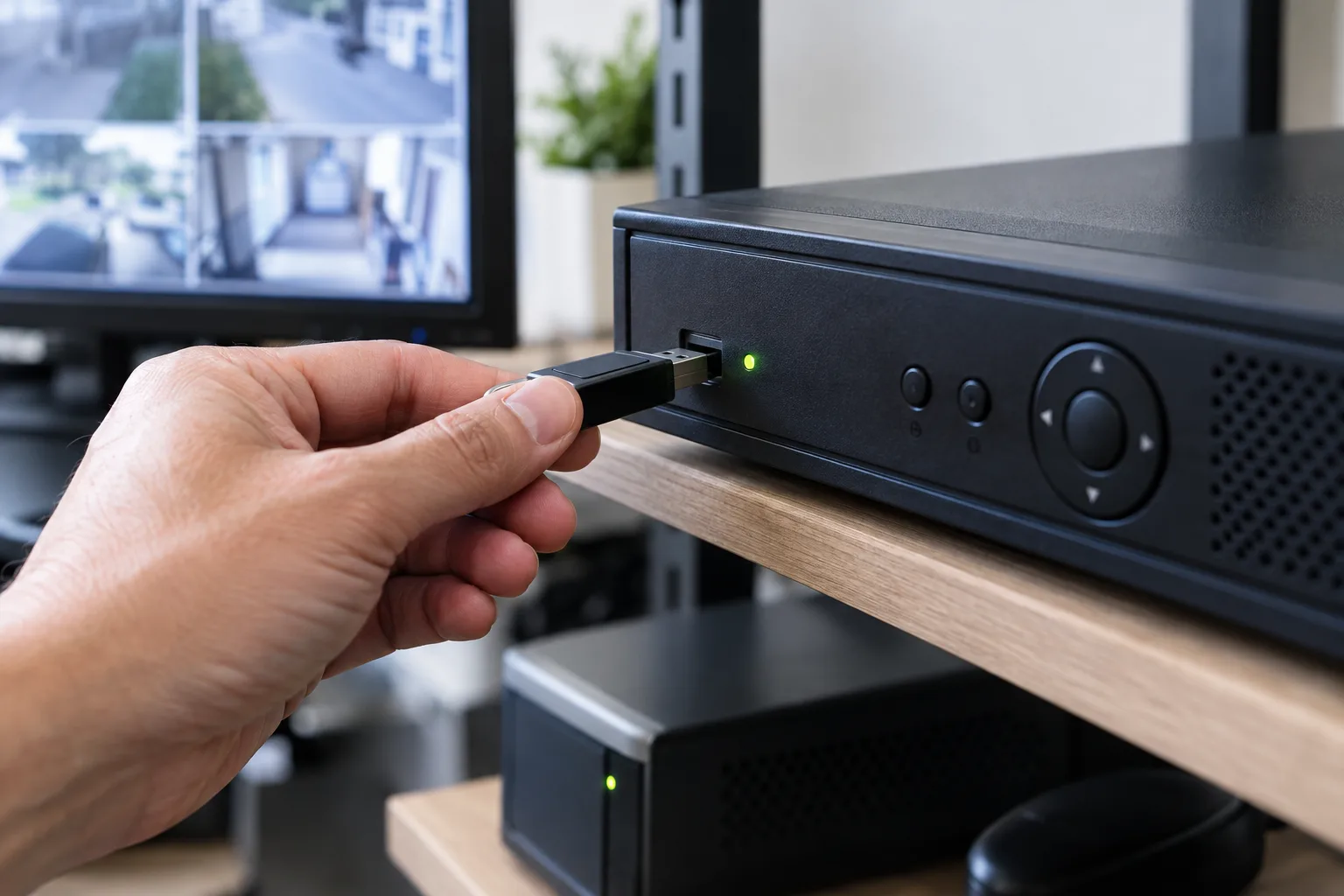
Loop recording gives you a window. Once something happens, you need to get the footage out before the window closes.
Copy footage on the day of any incident, even a small one. A scraped car in a shared parking area counts. So does a missing parcel or a stranger testing a door handle at 2am. Most recorders let you export a clip to a USB stick from the playback menu. Many phone apps can also save a clip to your phone. Some recorders let you lock a clip so the loop skips it. Don't wait for the police or the insurer to ask, because the recorder won't wait for them. If the footage shows someone acting strangely, SAPS advises phoning the police straight away.
Keep the copy apart from the recorder, and note the date, time and camera. A clip on a USB stick in a drawer lasts long after the recorder has looped over it.
Cloud backup sends footage to an off-site server over your internet connection. It costs a monthly fee. But the footage from the gate is safe even if someone damages or takes the recorder. For an estate gatehouse or a business entrance, cloud backup on the most important cameras is worth pricing in. If you use the cloud, change any default password on the account, as the UK's National Cyber Security Centre advises.
Every hour you wait after an incident brings it closer to being wiped for good.
Closing Reflection
Now the recorder has the right drive and the right settings, and you copy anything unusual on the day. The gate camera keeps a month of movement clips, with room to spare. Then the garden tools go missing after a weekend away. You open playback and scroll back to Thursday night, and the footage is still there. There he is: the jacket, the face and the time stamp at 1:12am. This time, the only picture isn't the one in your head.
*You shouldn't have to find the footage gone on the morning you need it. With Paul's Gates you won't.*
Contact Paul's Gates to arrange a site visit and a written quotation for CCTV at your home, estate or business.
You may still have a few questions about drive sizes, old footage and what storage costs.
Frequently Asked Questions
How long will a 1TB hard drive record CCTV?
A 1TB hard drive records about one to two weeks of CCTV footage from four cameras. The exact number depends on picture quality, compression and the recording mode. Four 2MP cameras recording all day and night with H.265 fill 1TB in about 12 days. With the older H.264, the same four cameras can fill it in about a week.
A sharper picture shortens it further. Four 4MP cameras on the same drive may give you less than a week. Recording on movement stretches it the other way. On a calm street, 1TB can hold several weeks of movement clips.
Many recorders come with a 1TB drive. For most homes with four to six cameras, a 2TB or 4TB drive is a better start. Estates and businesses with eight or more cameras usually need 4TB or more to keep 30 days. To see your own number, open playback and find the oldest day on the timeline.
Does a CCTV recorder record over old footage?
Yes. Almost every CCTV recorder records over its oldest footage once the hard drive is full. This is called loop recording, and it's usually switched on from the start. The recorder keeps going without stopping, and it doesn't warn you before it wipes a day.
Loop recording is why a system can run for years without anyone emptying the drive. It's also why footage from last month is usually gone. The recorder keeps a set number of days, and anything older is replaced. Drive size, the number of cameras, picture quality and the recording mode set that number.
Some recorders let you lock a clip so the loop skips it, and most let you export a clip to a USB stick. Either way, act on the day of the incident. If overwrite is switched off, the recorder stops recording once the drive is full, which is worse. Check the setting in the storage menu, or ask a technician to check it for you.
Can I get CCTV footage from 2 years ago?
Almost certainly not, unless someone saved it at the time. A standard recorder writes over its oldest footage once the drive is full. On most home and business systems, the loop runs every one to four weeks. So footage from two years ago has been written over dozens of times.
Cloud plans keep footage longer, but they have limits too. Many plans keep between 7 and 90 days, depending on the plan you pay for. After two years, the only footage left is footage someone copied off the recorder. It might be on a USB stick, an external drive or a computer.
If you need old footage for a dispute or a claim, ask whoever ran the system at the time. An estate's managing agent, a security company or a business owner may have kept clips from a reported incident.
From now on, copy footage of any incident on the day it happens. Label it with the date, time and camera, and keep it apart from the recorder.
How much does CCTV storage cost?
The cost of CCTV storage depends on the drive size and the number of cameras. It also depends on how many days you want to keep, and whether you add cloud backup. A larger hard drive is a once-off cost. Cloud backup adds a monthly fee for each camera or each plan.
A bigger drive is often the cheapest way to gain days. Moving from 1TB to 4TB can take a four-camera system from under two weeks to about seven weeks of footage. Many recorders also take a second drive, which adds space without replacing the recorder.
Settings cost nothing to change. Switching to H.265 and recording on movement can add many days on the drive you already own, so start there.
For a home, an estate or a business, the right answer depends on your cameras and how many days you need. During a site visit, we look at your recorder, your cameras and your settings. Then we give you a written quotation for the drive or backup your property needs.